Lenovo IdeaTab setup
Lenovo IdeaTab parental controls for kids.
Lenovo IdeaTab is the Android tablet family Nesty recommends first because it is what we use for child-dashboard and setup testing. Before adding Nesty, verify the tablet, Google controls, child view, and recovery path.
- Lenovo IdeaTab
- Family Link
- Google Play limits
- Nesty routines
Short answer
Buy the exact tablet you can verify.
Nesty recommends Lenovo IdeaTab as the clearest Android starting point, but parents still need to check the exact model and setup path. A tablet is not ready for a child until the parent can prove the rules from the child side.
Device fit
Confirm the exact IdeaTab model.
Check the product page, storage, case, charger, return window, Android version, Google services, update expectations, and whether the tablet is new, reset, or previously owned.
Google layer
Set up the child account first.
Use the Google and Android controls that apply to the tablet before adding another app: Family Link, Google Play restrictions, app limits, downtime, and app approval paths.
Child view
Test the tablet as the child.
Open the tablet from the child side and test installs, blocked apps, screen time, web access, YouTube or YouTube Kids paths, reboot behavior, and parent recovery.
Nesty layer
Add Nesty after the base setup is stable.
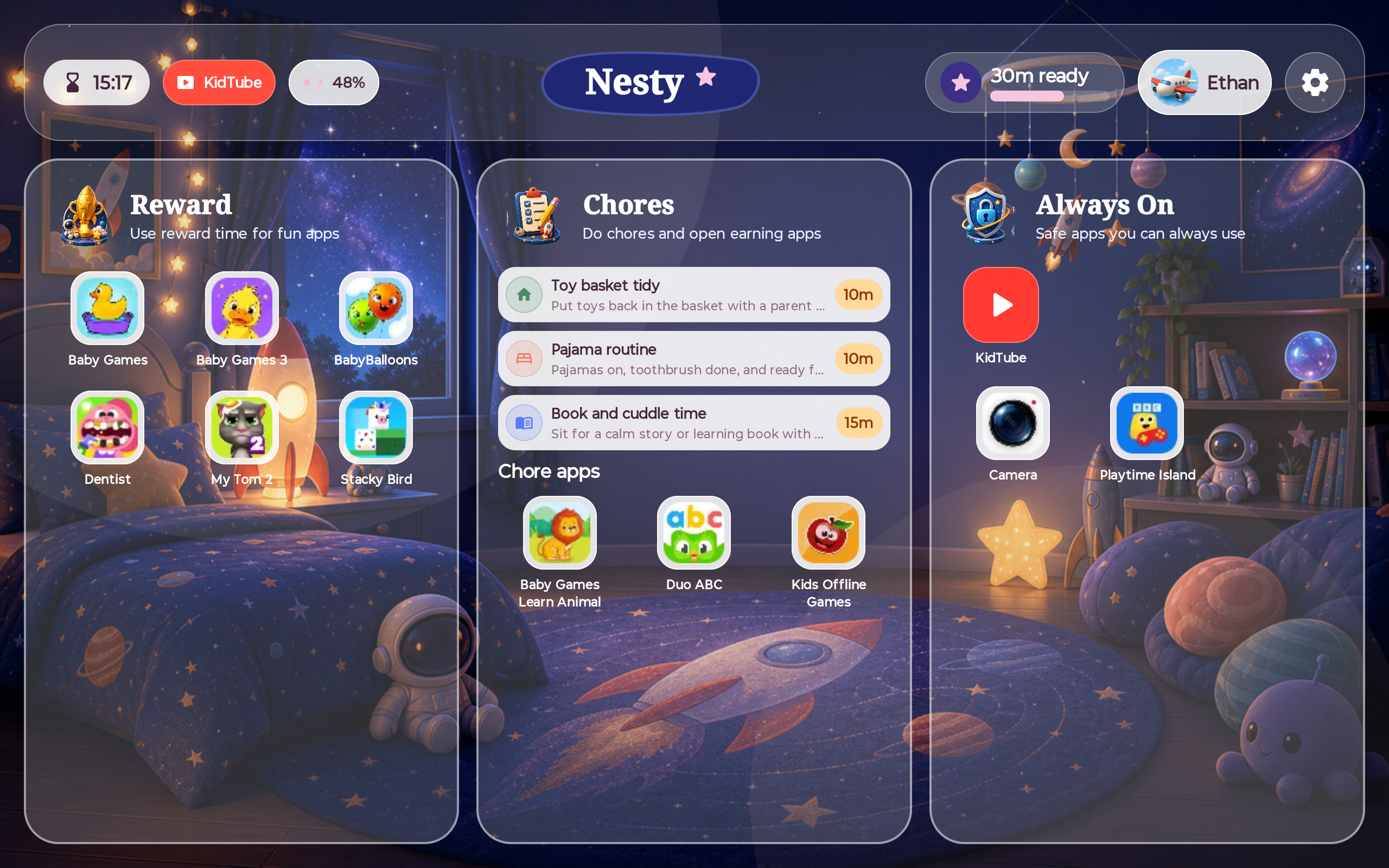
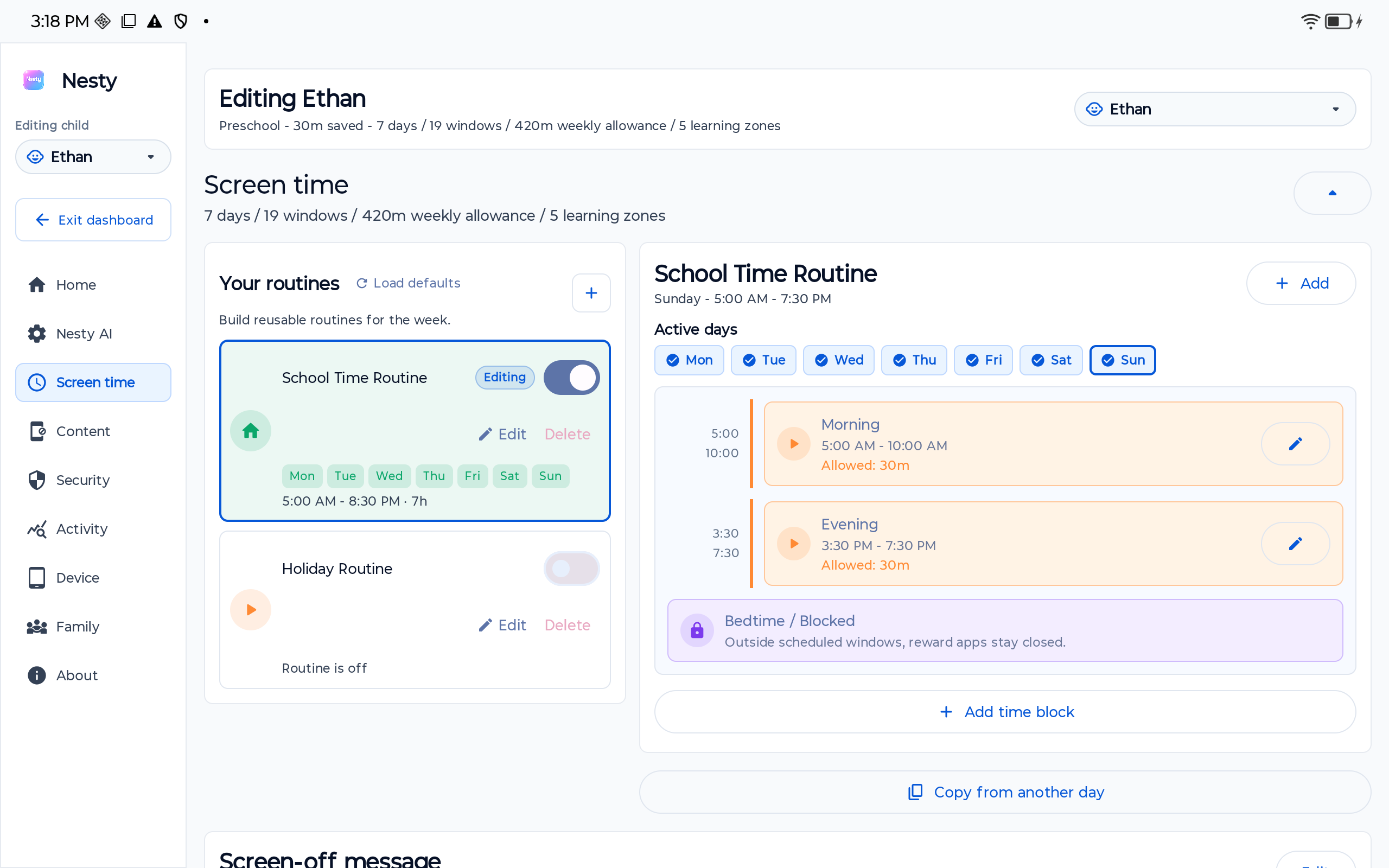
Nesty adds visible app lanes, KidTube, chores, rewards, schedules, quiet hours, and parent PIN controls on top of a tested Android tablet setup.
Setup checklist
Lenovo IdeaTab child setup checks.
Work through these checks before the tablet becomes the child's everyday device.
Confirm the tablet is under the parent's account control, has no old owner lock, has a working charger, and can be recovered if setup goes wrong.
Set up the child Google Account and parent supervision path before giving the child the tablet. Confirm the parent phone can change limits and approvals.
Check app install approvals, purchase restrictions, age filters, and whether blocked or removed apps stay unavailable from the child side.
Test daily limits, downtime, app limits, and schedule changes while the tablet is online and after a reboot.
Google says Kids Space is available on select Android tablets. If it appears on the model, test how it behaves with Family Link and app approvals.
After the base Android controls are proven, install Nesty Child Tablet and confirm reward apps, chore apps, always-on apps, blocked apps, KidTube, schedules, and parent PIN access from the child view.
Official sources
Use official setup docs before trusting a claim.
Lenovo's Idea Tab series page is the starting point for the tablet family. Google's documentation is the starting point for Kids Space, Family Link device compatibility, app limits, downtime, and Google Play restrictions. Use those source layers before deciding the setup is child-ready.
Nesty's role is narrower: it helps a parent-managed Android child tablet show the daily routine clearly. It should not be used to skip account, store, update, or recovery checks.
Where Nesty fits
Nesty adds the parent-built routine layer after the Lenovo tablet is ready.
For a family using Lenovo IdeaTab, Nesty is strongest when the base Android setup already works and the parent wants the tablet itself to explain what is available now.
Data integrity
When something looks wrong, check the source of truth.
A child tablet problem is often a mismatch between parent settings, child account state, app store restrictions, sync timing, and what the child screen is actually showing. Before changing rules, confirm the selected child, current schedule, app lane, reward balance, network state, and tablet time.
For Nesty, the proof is the actual child dashboard. If the parent dashboard says an app is blocked, the Lenovo tablet should agree after sync, reboot, and reopening Nesty Child Tablet.
FAQ
Lenovo IdeaTab parental-control questions.
Short answers for parents preparing a Lenovo IdeaTab as a child Android tablet.
Is Lenovo IdeaTab the tablet Nesty recommends?
Yes. Lenovo IdeaTab is the Android tablet family Nesty recommends first because it is the tablet line used for Nesty testing. Still verify the exact model before buying.
Do I still need Family Link?
Start with the Google and Android control layers that apply to the tablet. Nesty adds visible routines after the child account, app store, screen time, and recovery path are proven.
Should I use Kids Space?
Use it if it is available and fits the child. Google says Kids Space availability depends on select Android tablets, so test it on the exact device.